

 Caleb


Hiya, on this blog post, we're going to be covering what RSS feeds are, how they work, how to use them, some popular RSS readers (aggregator apps), and pros & cons of using RSS feeds.
So, What are RSS Feeds?
According to Wikipedia, RSS (RDF Site Summary, Rich Site Summary or Really Simple Syndication) is a web feed that allows users and applications to access updates to websites in a standardized, computer-readable format, created in March 1999 by engineers at Netscape.
RSS
RSS (RDF Site Summary, Rich Site Summary or Really Simple Syndication) is a web feed that allows users and applications to access updates to websites in a standardized, computer-readable format.
en.wikipedia.org
Basically, RSS is a way to subscribe to changes that happen to websites, such as blogs, podcasts, news, any type of frequently updated content (most of the time). For example, you subscribe to channels on YouTube so that you don't miss any videos uploaded by your favorite channels. But how do you subscribe to changes to a website? Manually checking every website consumes a lot of time, emails get cluttered, and other options don't always work well. To these issues, RSS was the answer. Thanks to RSS readers, all of the new posts are automatically gathered in our dashboard waiting for us to open them and read.
How Do RSS Feeds Work?
An RSS feed is just an XML file that lives on the website's server.
<rss version="2.0" xmlns:content="http://purl.org/rss/1.0/modules/content/">
  <channel>
    <language>en</language>
    <title>My Blog</title>
    <link>https://caleb.is-a.dev/blog</link>
    <description>Posts about things i like</description>
    <item>
      <title>RSS Still Works</title>
      <link>https://caleb.is-a.dev/blog/rss-feeds</link>
      <pubDate>Tue, 10 Nov 2026 00:00:00 GMT</pubDate>
      <description>What RSS Feeds are, why to use them, how they work, how to use them, popular readers, and pros/cons of using RSS feeds</description>
      <content:encoded>Heya everyone, ...</content:encoded>
    </item>
    <item>
      ...
    </item>
  </channel>
</rss>
Every time your fav blogger publishes a new post, a new <item> gets added, often with automated scripts. Then your reader checks that file every so often, compares it to what it has already recorded, and shows you the new items. So, you might be wondering, what is an RSS reader?
RSS Readers
RSS readers (or aggregator apps) are platforms that collect updates from your favorite blogs, news sites, podcasts, and other sites into a single and organized inbox without algorithmic feeds or anything. The two most popular RSS readers are Feedly and Inoreader.
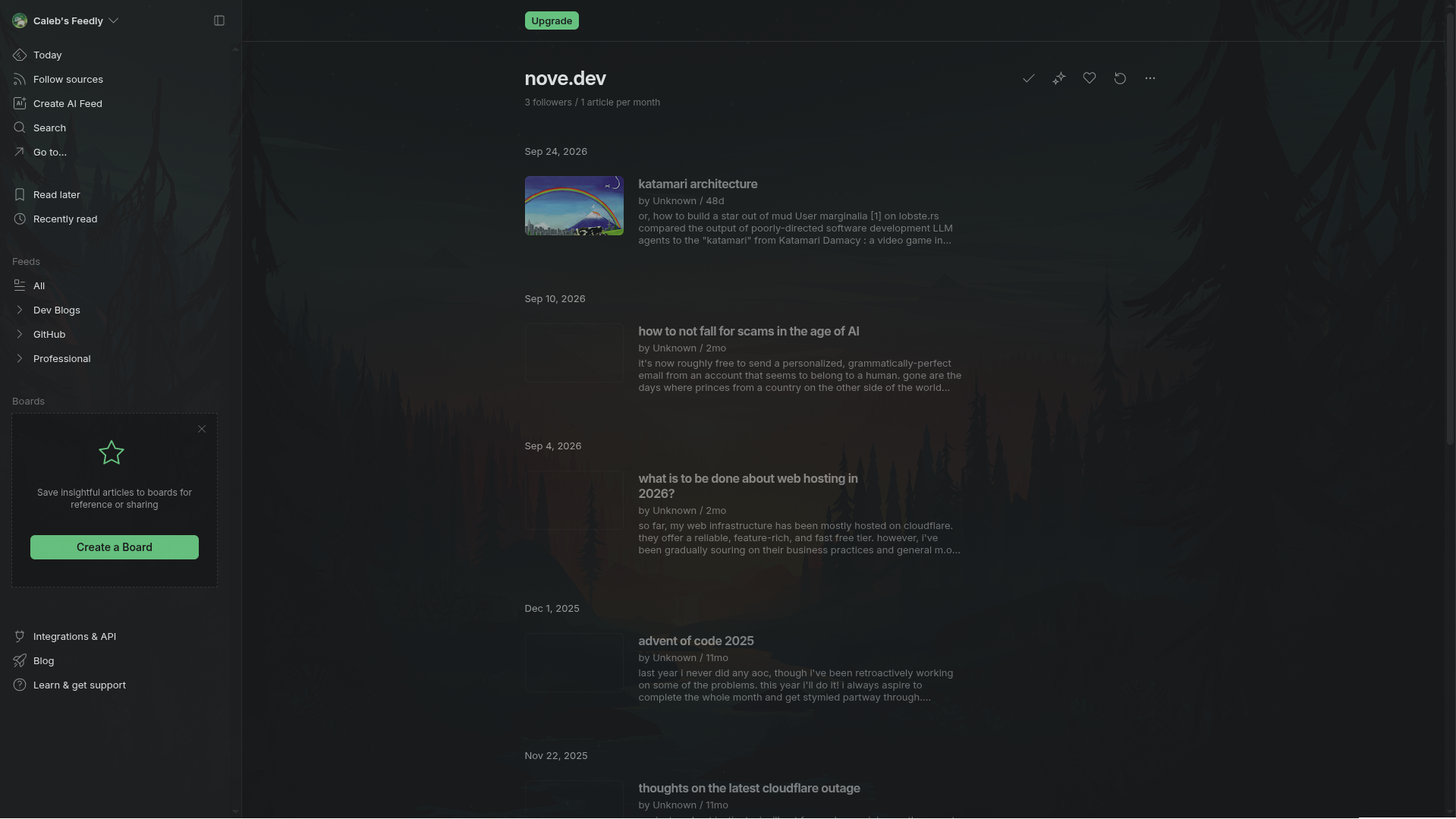 Feedly RSS Reader
Both Feedly and Inoreader have features to follow a resource (subscribe to a website) via an RSS link, categorize different resources under different folders, track what you've read and haven't read, options to save (read later), AI powered feed, and more.
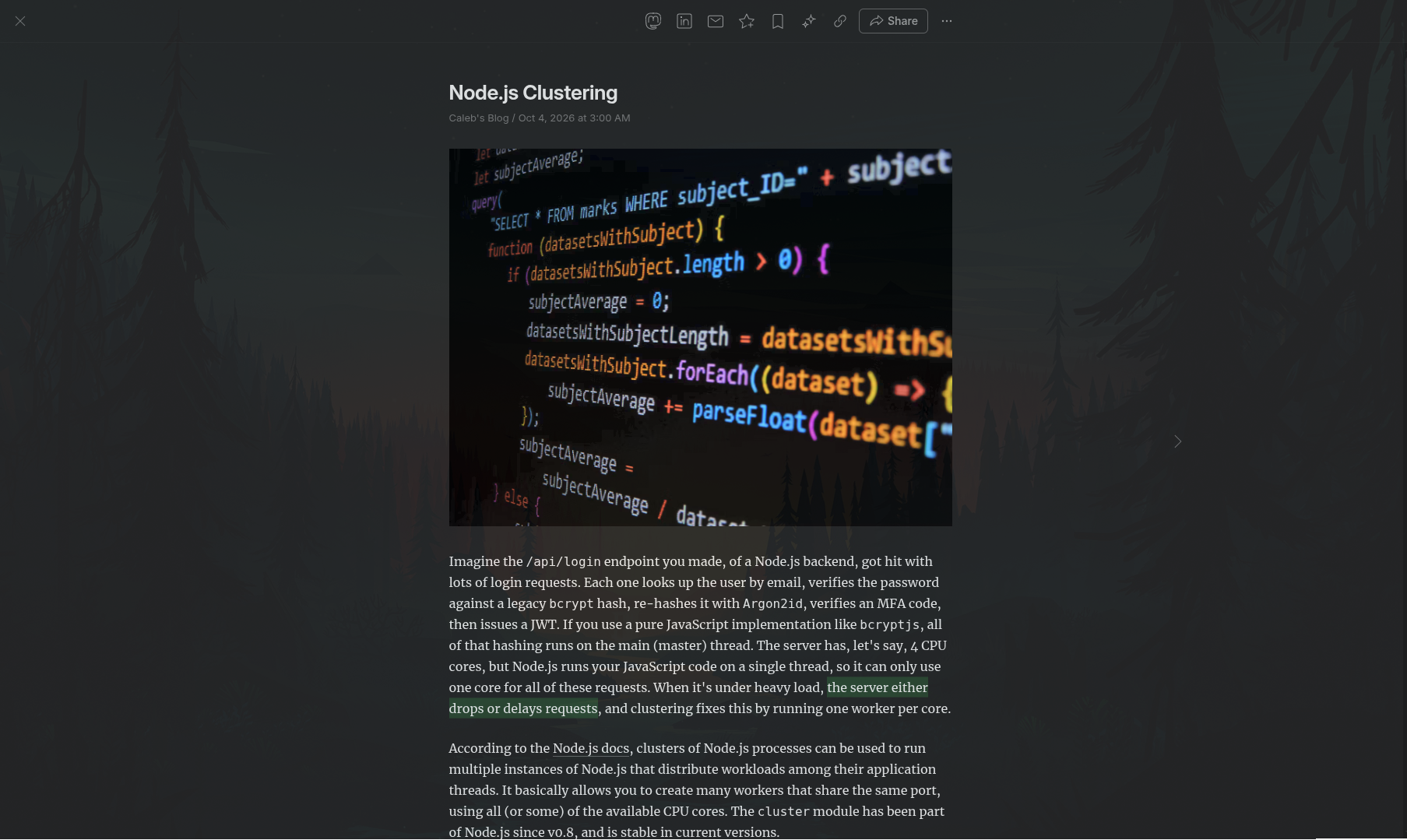 Feedly Feed UI
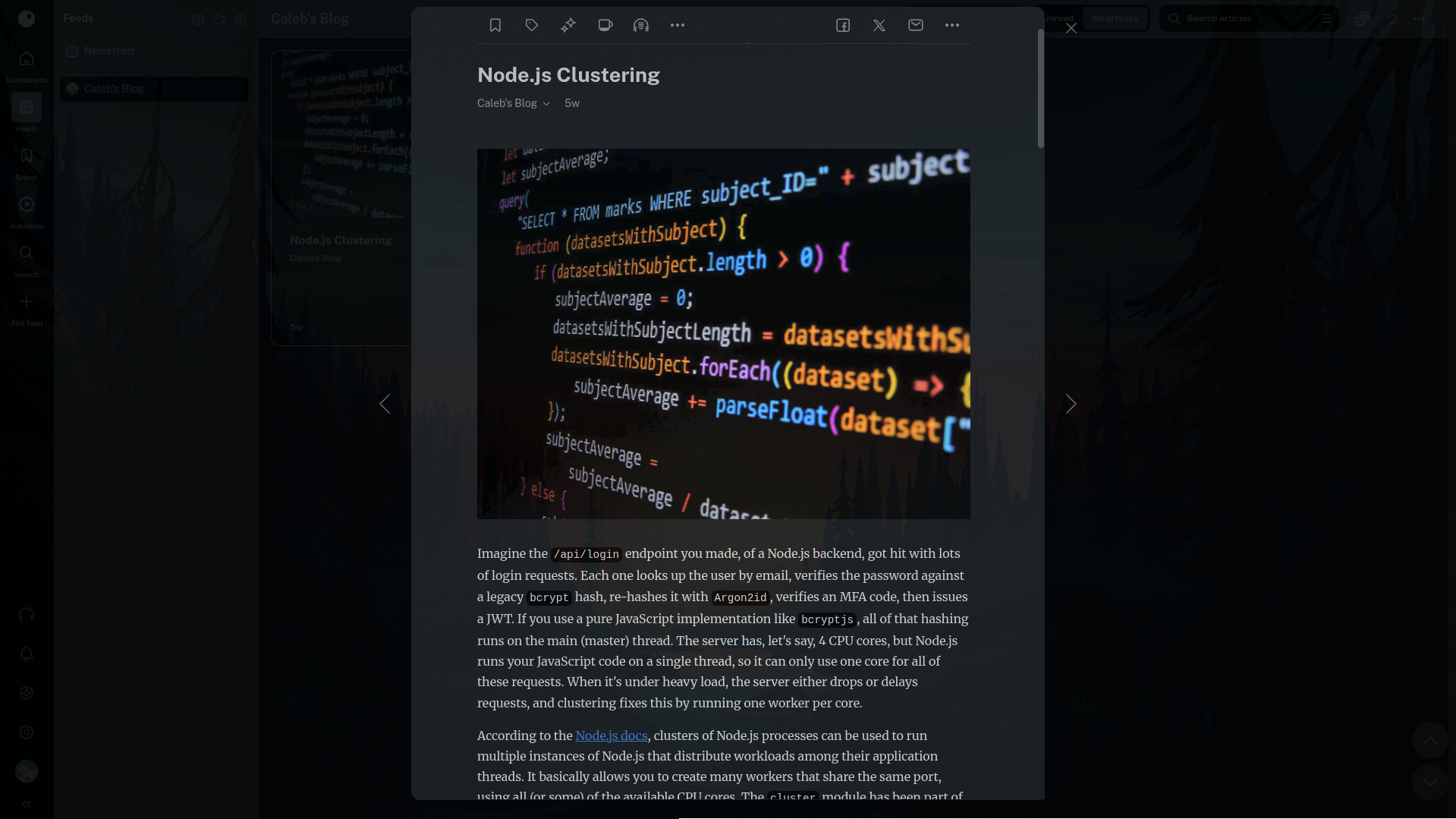 Inoreader Feed UI
You can find more about the comparision between Feedly and Inoreader here.
Feedly vs Inoreader for developers in 2026
Choose the RSS reader that fits your workflow: AI-first scanning for fast triage or rule-driven automation for precise alerts.
daily.dev
How to Subscribe to a Website via RSS
- Go to your favorite blogger's blog page.
- Look for an orange icon that looks like a wifi signal, the icon commonly used for RSS (
 ), or any link that says to subscribe through RSS. If you don't find any, many modern readers (like Feedly) also let you paste a normal page URL and find the feed for you.
- Go to your reader and enter in the RSS link you want to subscribe to.
- Voilà, your reader automatically pulls any new content to save you time!
Pros and Cons of Using RSS Feeds
Pros
- You are the one to choose resources to follow - You receive content strictly from the sources you choose, free from social media feeds, distractions, or targeted ads (though ads might depend on the platform that you're using).
- Time saver - RSS readers save us time by gathering all updates in a single place to browse, saving you the time that you waste by checking sites one by one.
- Privacy - You don't have to hand over your email to a blog website just because you liked the content they post (a hosted reader still sees what you read though, so self host a reader if that matters to you).
- Offline reading - Many reader apps cache posts so you can read anywhere.
Cons
- Information flood - Subscribing to too many active sites can flood your reader with hundreds of daily unread posts, making it hard to keep up with everything.
- Limited content - Some sites choose to show only a truncated version of the real post content to force you to click a link to read the full article.
- No interactivity - Feeds are mostly text and images, so no animations or interactive embeds or cards or anything.
- Lack of adoption - Not everyone uses RSS feeds, many modern web platforms don't even support RSS (often requires subscribing through email), and only a very small slice of the internet users use RSS as well.
- Very limited analytics for publishers - Publishers don't see who subscribed to their RSS, most of the time, usually just subscriber count, making it harder to track analytics about the subscribed readers.
How I Use Them
I use Feedly to follow the blogs I like, split into two folders:
- Dev Blogs: individual developer's writings, like The Pragmatic Engineer and Cassidy Williams.
- Company Blogs: blogs from companies, like Canva Engineering Blog and Discord Blog.
If you like the things I post and want to include me in your subscriptions, here's my RSS feed 
Conclusion
RSS is just a way to subscribe to that websites you like. An RSS reader checks those feeds for you and gathers every new post in one place, so you skip the manual checking every day. Some popular RSS readers to start with are Feedly and Inoreader. You can start small with 5 to 10 subscribed sources (feeds), and see if it works well for you.
Some advantages of using RSS feeds are: no algorithmic feeds, saves you lots of time, helps you stay more anonymous with still getting all of the new content right in your dashboard, and enables you to read posts while being offline. And some trade-offs of using RSS feeds are: information overload if you subscribe to way too many active sites, some sites choosing to show a truncated version of the full article, lack of adoption of RSS feeds in most modern sites, and publishers getting very limited metrics of their audience.
Well, this was a short overview of RSS feeds, see you in the next post!
Sources
- "How Do RSS Feeds Work?" RSS.com, 6 May. 2026, rss.com/blog/how-do-rss-feeds-work/
- Nguyen, Kevin. “Feedly vs Inoreader for developers in 2026.” daily.dev, 1 Nov. 2026, daily.dev/blog/feedly-vs-inoreader-for-developers/.
- "RSS." Wikipedia, en.wikipedia.org/wiki/RSS